Place the zero yourself
Start exactly where you need.
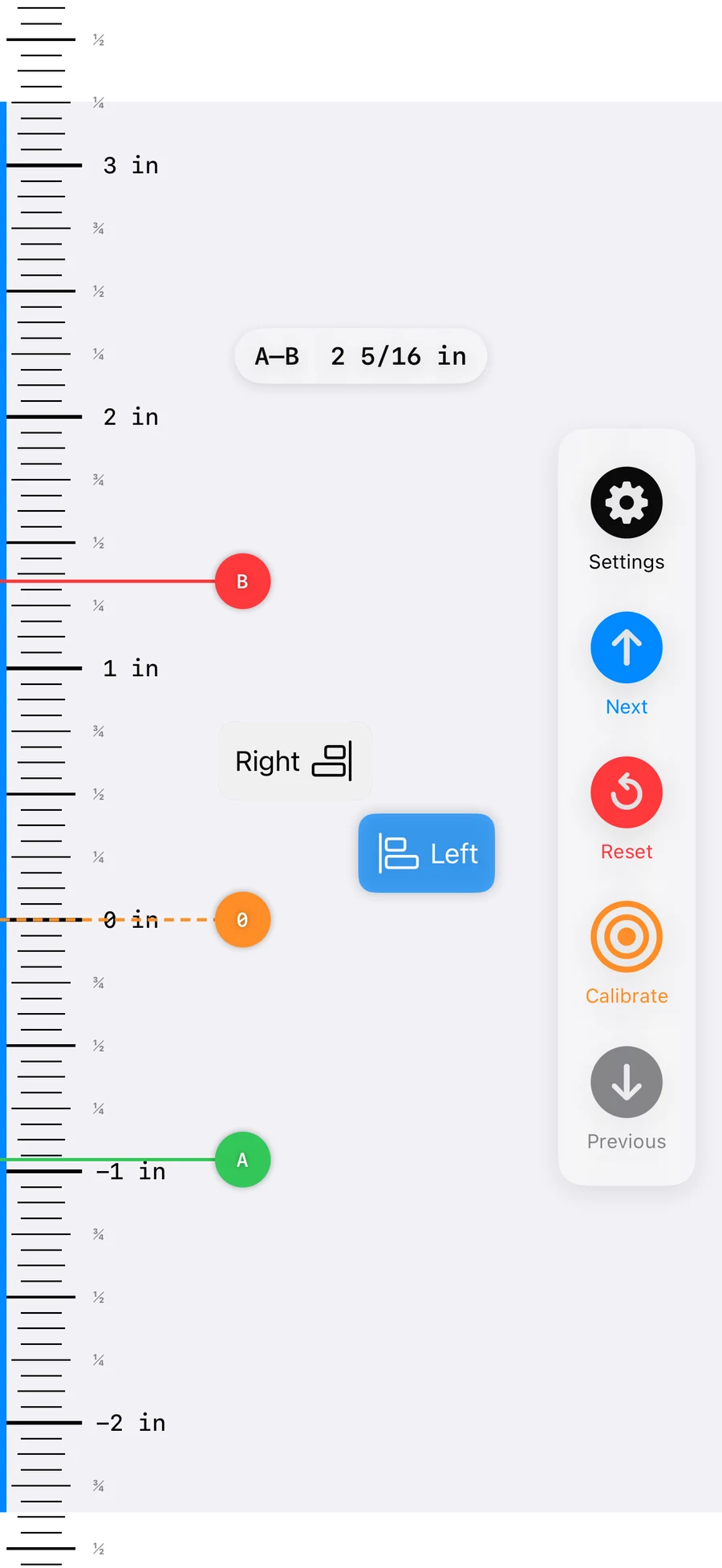
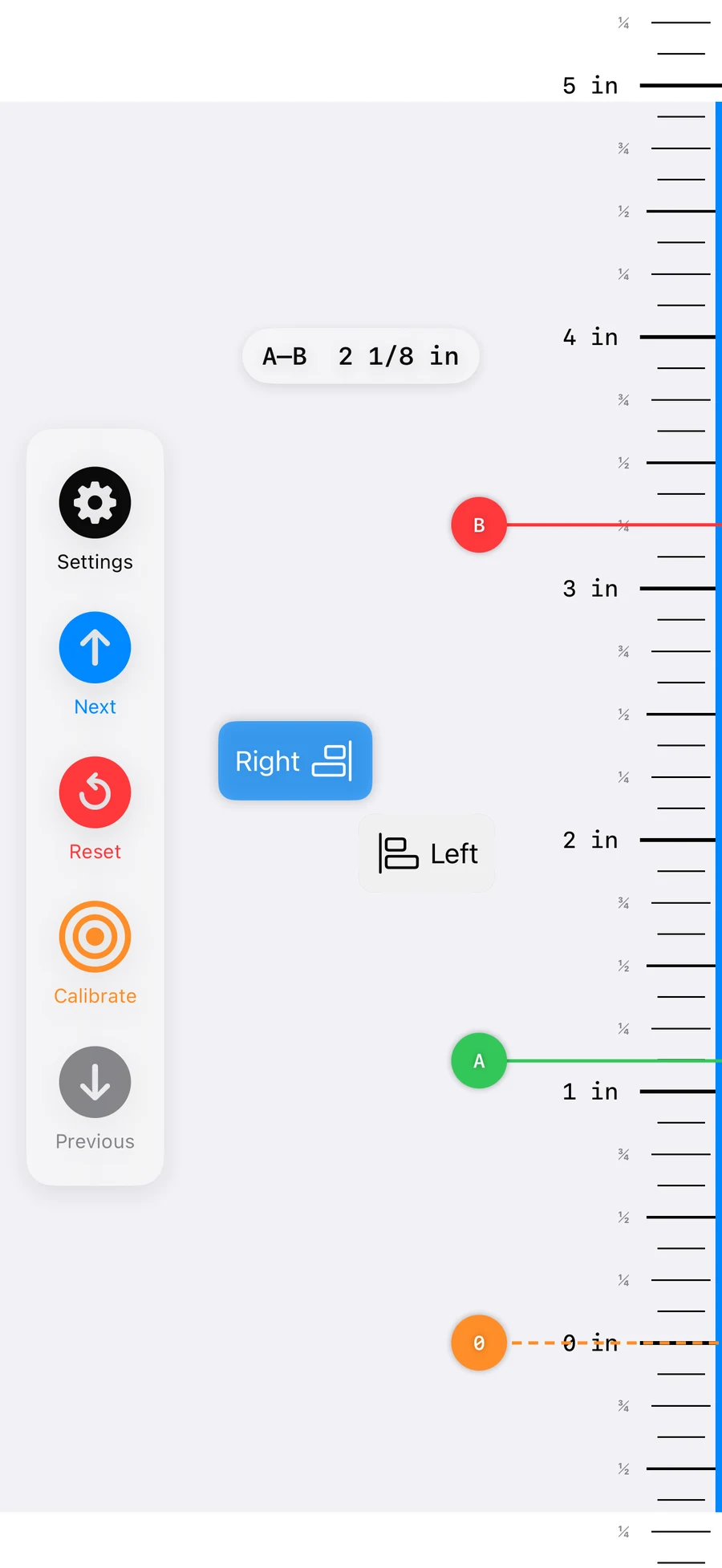
Move the zero point away from the edge of your phone, then place A and B markers to see a live distance between two real-world points.
 Infinite Ruler Get the app
 A calibrated ruler that keeps going
Infinite Ruler turns your iPhone into a practical ruler with centimetres, fractional inches, movable zero and A–B markers—then continues beyond the length of one screen.
Thanks—this anonymous click helps us measure interest before deciding what to build. No signup or email required.
Place the zero yourself
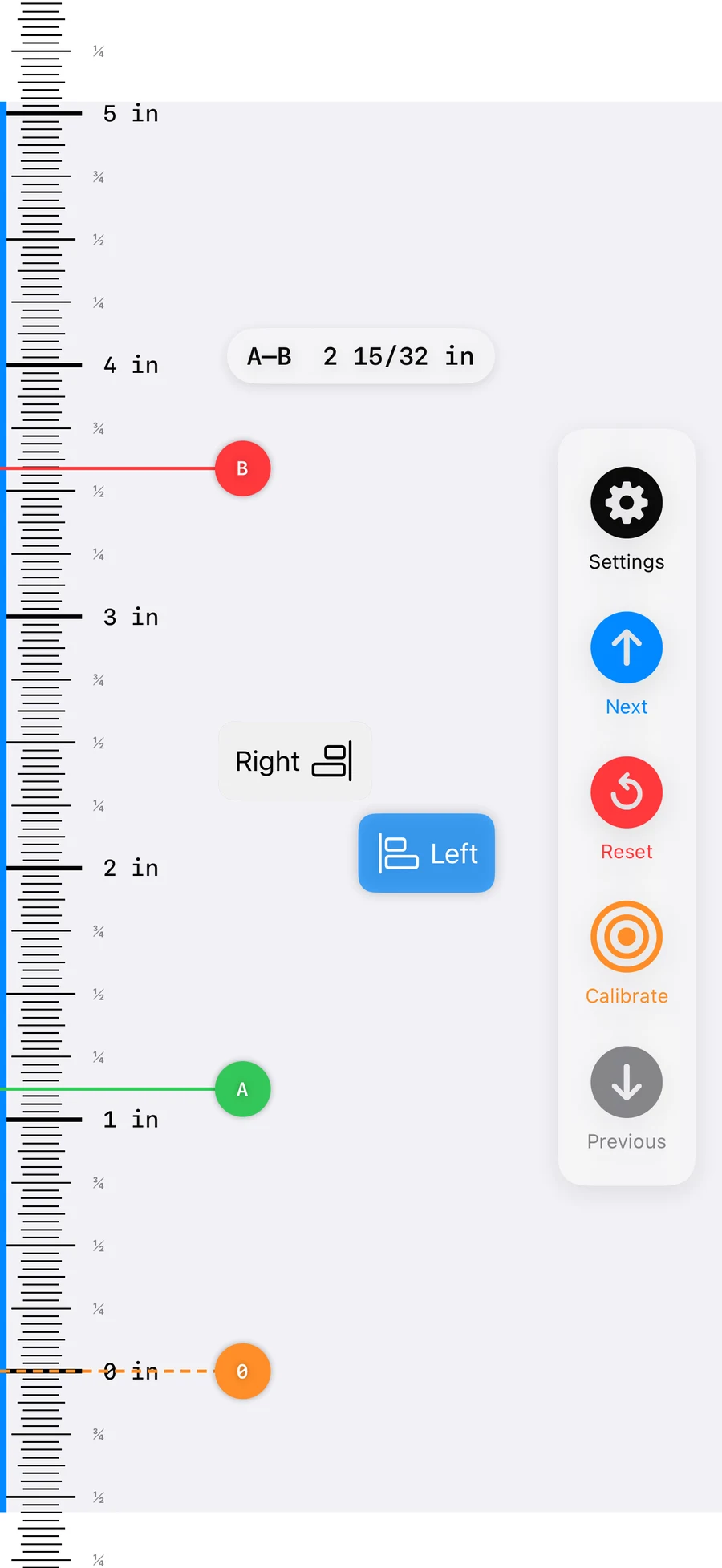
Move the zero point away from the edge of your phone, then place A and B markers to see a live distance between two real-world points.
Longer than your phone
Advance the ruler page by page without losing your place. It is the pocket ruler that does not stop at the bottom of the display.
Use the comfortable side
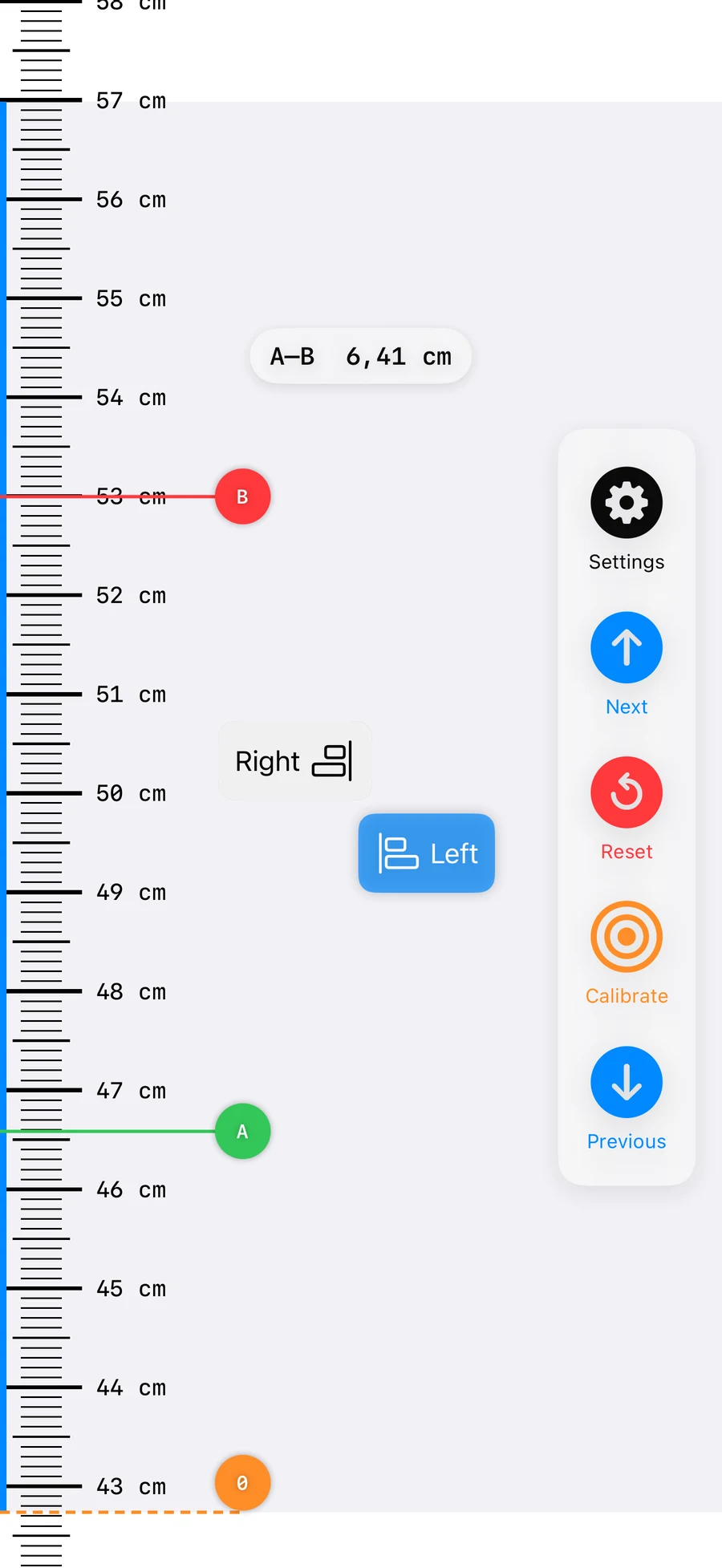
Put the scale and controls on the left or right edge so the ruler fits the object, your hand, and the way you are working.
Built for real objects
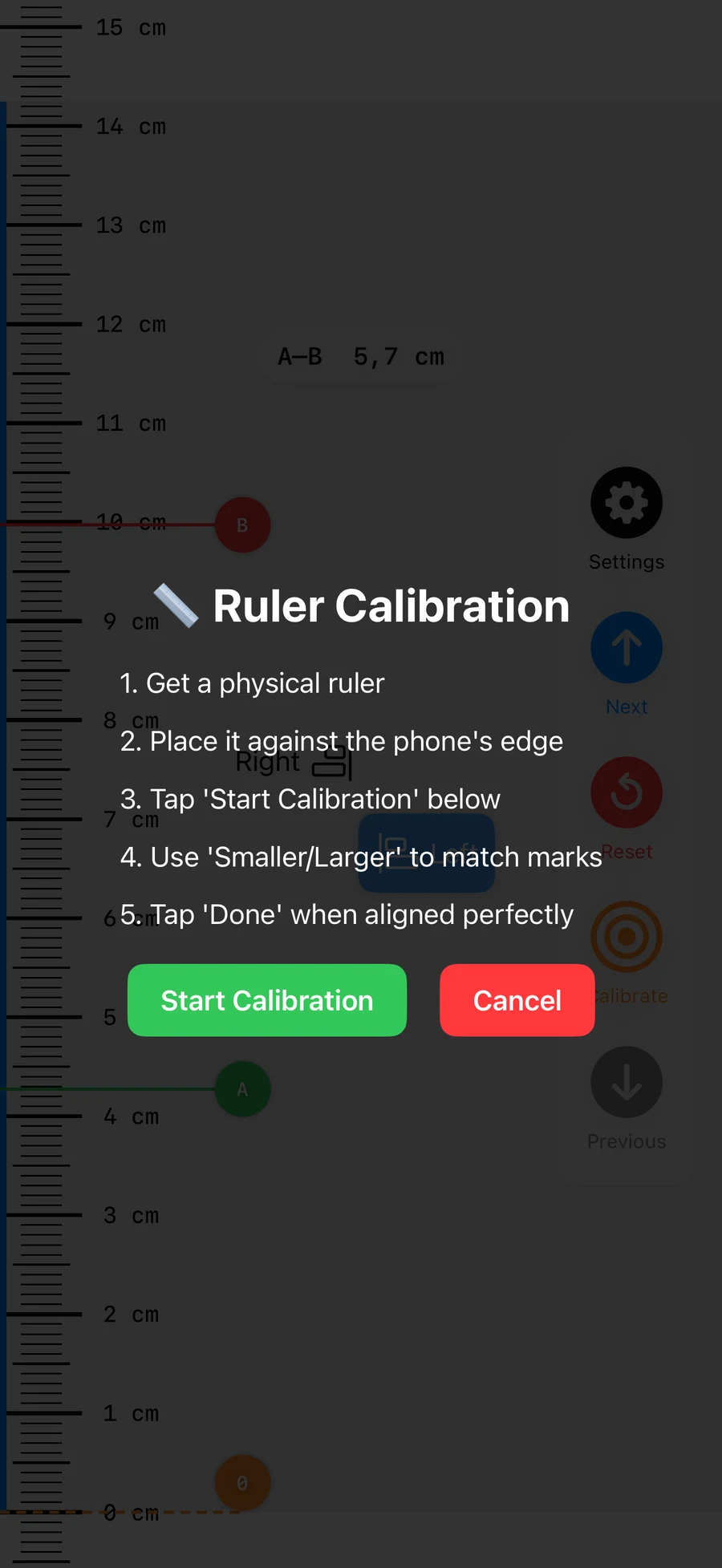
Use a physical ruler once to calibrate the scale for your device, then keep that adjustment available for future measurements.
Useful guides
Practical guides that work on their own, with Infinite Ruler introduced where it genuinely helps.
No account, camera or cloud
Infinite Ruler does not need an account or camera. Measurements and device calibration values remain on your device.
The practical details
Yes. Measure in centimetres or choose 1/8, 1/16 or 1/32-inch fractional precision.
Use the next and previous controls to continue the scale across multiple ruler pages without resetting the measurement.
The app uses device-aware dimensions and provides calibration controls. For accuracy-sensitive work, calibrate it against a physical ruler first.
Keep a ruler in your pocket