A clear boundary
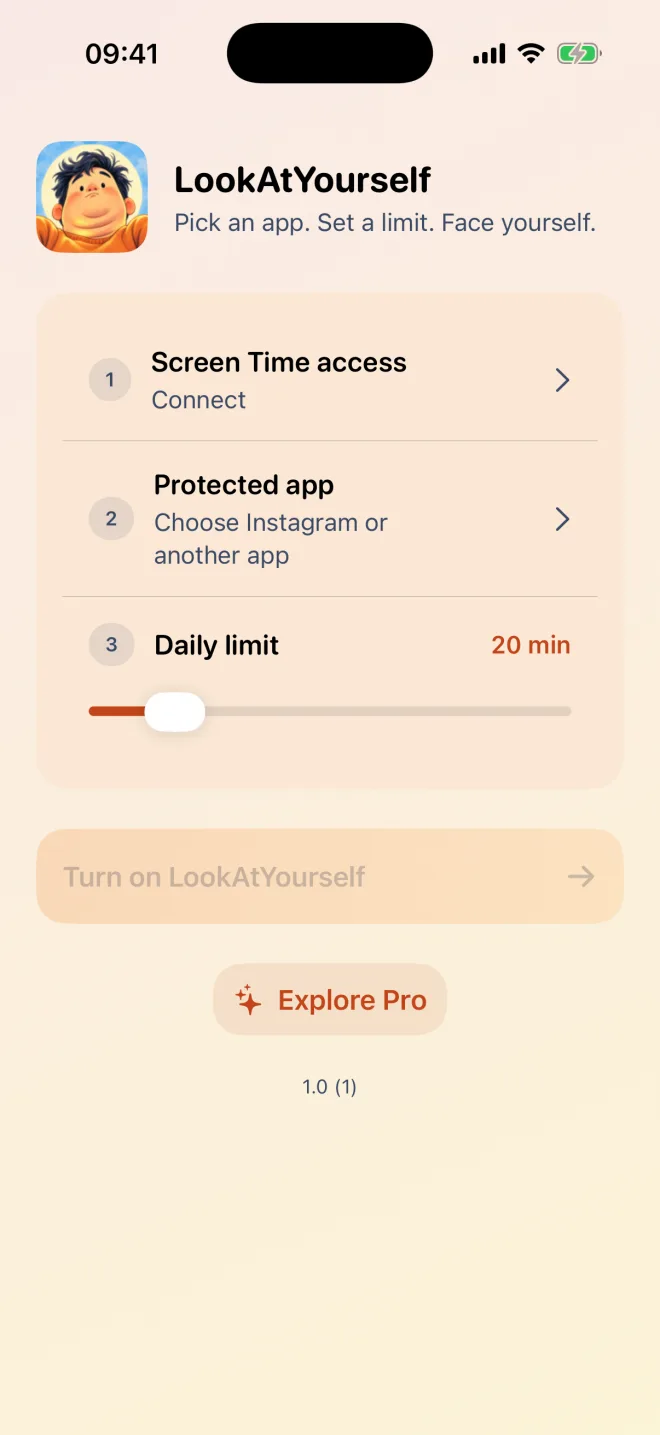
Pick an app. Set a limit.
Connect Apple Screen Time, choose one app or website in the free version, and set a daily allowance from five minutes to two hours. Setup takes less than a minute.
 LookAtYourself Get the app
Face your scrolling habit
Choose the app or website taking your time, set a daily limit, and meet a private mirror pause before deciding whether to stop or keep going.
Thanks—this anonymous click helps us measure interest before deciding what to build. No signup or email required.
A clear boundary
Connect Apple Screen Time, choose one app or website in the free version, and set a daily allowance from five minutes to two hours. Setup takes less than a minute.
When time is up
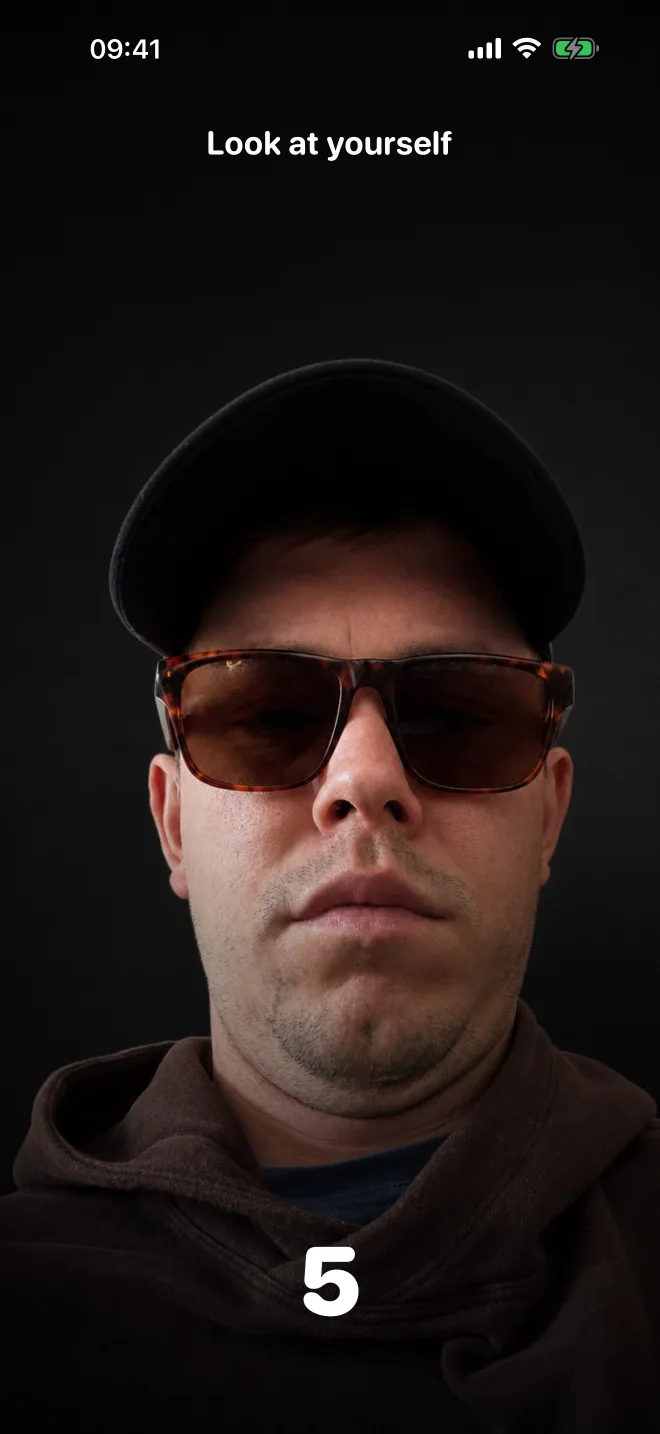
Instead of tapping straight through another familiar warning, LookAtYourself opens a short front-camera mirror pause. When the countdown ends, choose to stop scrolling or grant five more minutes.
Easy to check
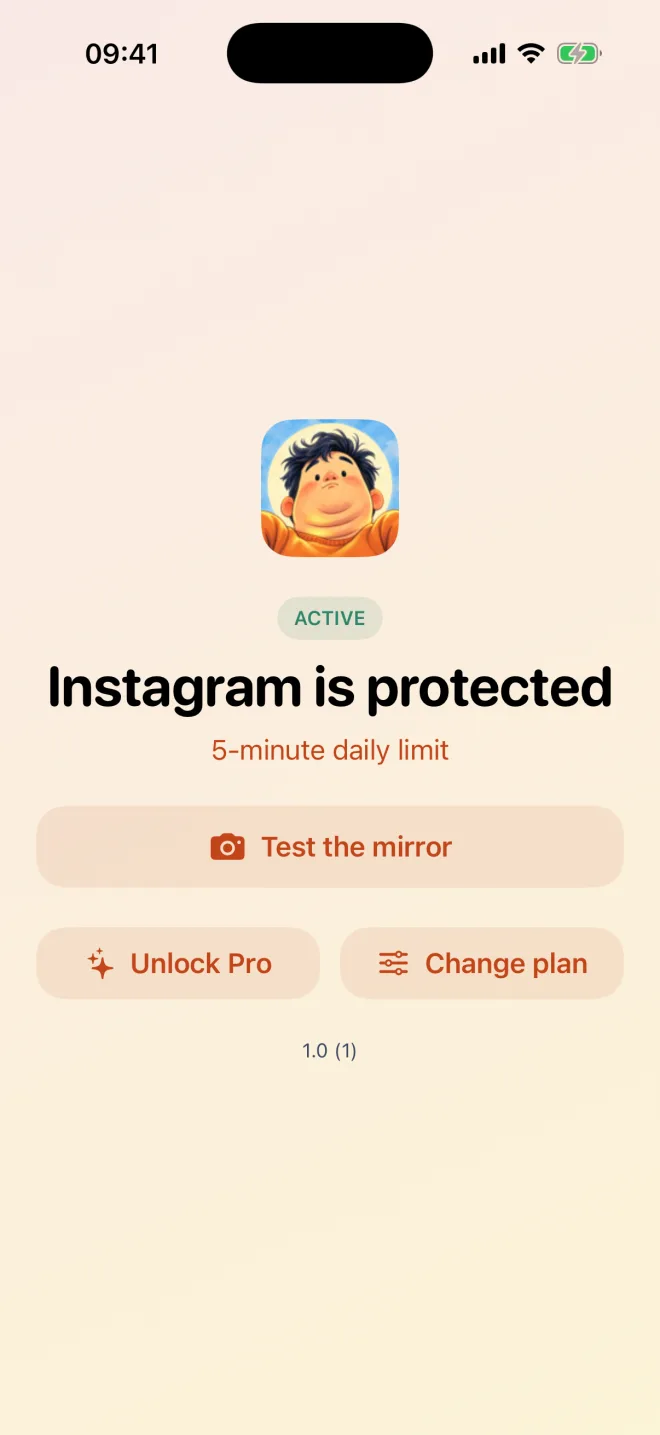
The active plan keeps the protected selection and its daily limit visible. Test the mirror at any time or change the plan when your habits change.
More control with Pro
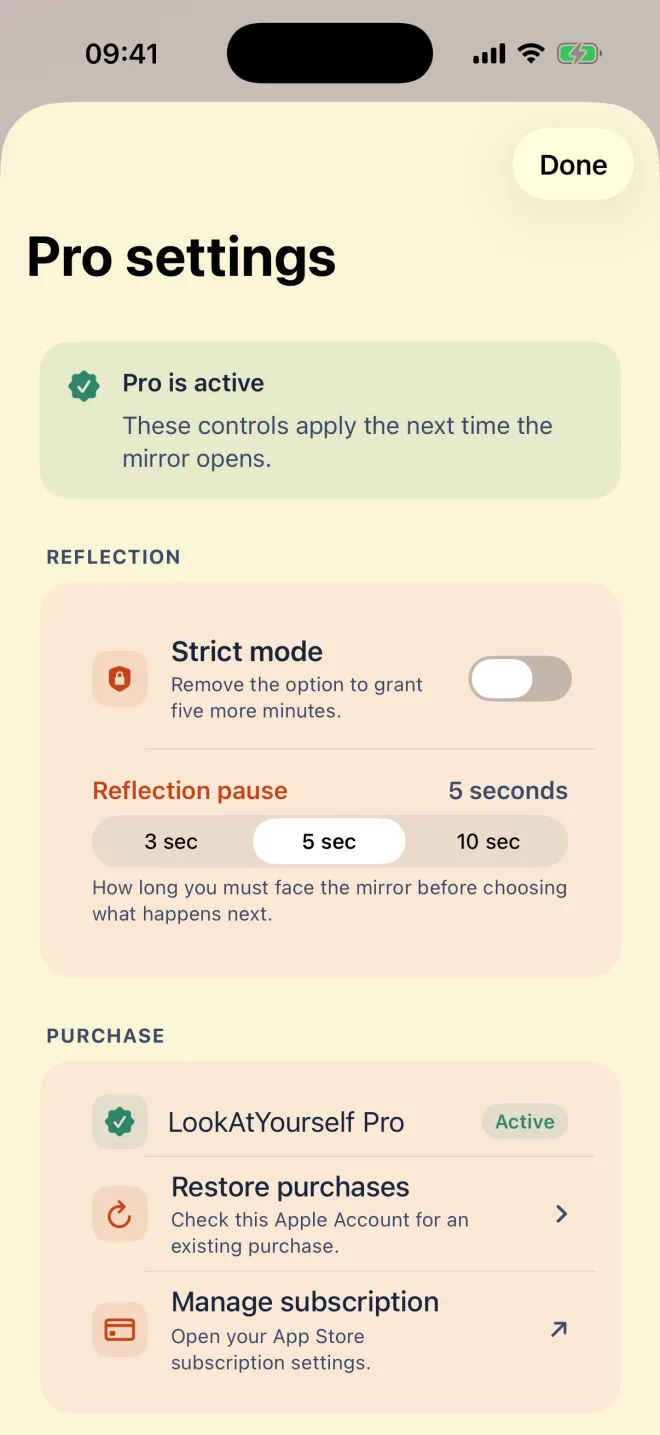
LookAtYourself Pro supports multiple apps, websites and categories. Strict Mode removes the five-more-minutes choice, and the reflection pause can be set to three, five or ten seconds.
Useful guides
Practical guides that work on their own, with LookAtYourself introduced where it genuinely helps.
A mirror, not a recording
The front camera is used only as a live mirror. LookAtYourself does not record, save, collect or transmit photos or video, and Apple keeps the identities of your Screen Time selections private.
The practical details
No. The camera is used only as a live, private mirror. The app does not record, save, collect or transmit photos or video.
The free version protects one app or website, applies a daily limit and includes a five-second mirror pause with the choice to stop or grant five more minutes.
Pro supports multiple apps, websites and categories, adds Strict Mode, and lets you choose a three, five or ten-second reflection pause.
Yes. Strict Mode, available with Pro, removes LookAtYourself’s five-more-minutes option. Apple still controls the underlying Screen Time system.
A pause with nowhere else to look