A quieter display
Let the clock take the room.
Keep the full dashboard close in portrait, or use the immersive landscape clock when you want the interface to fall away. Choose whether seconds are shown and pick the theme that fits your space.
 Flip Clock Flow Get the app
 Clock. Focus. Back to what matters.
A calm flip clock, focus timer, Live Activities and widgets—with optional Screen Time blocking when you want a stronger boundary.
Thanks—this anonymous click helps us measure interest before deciding what to build. No signup or email required.
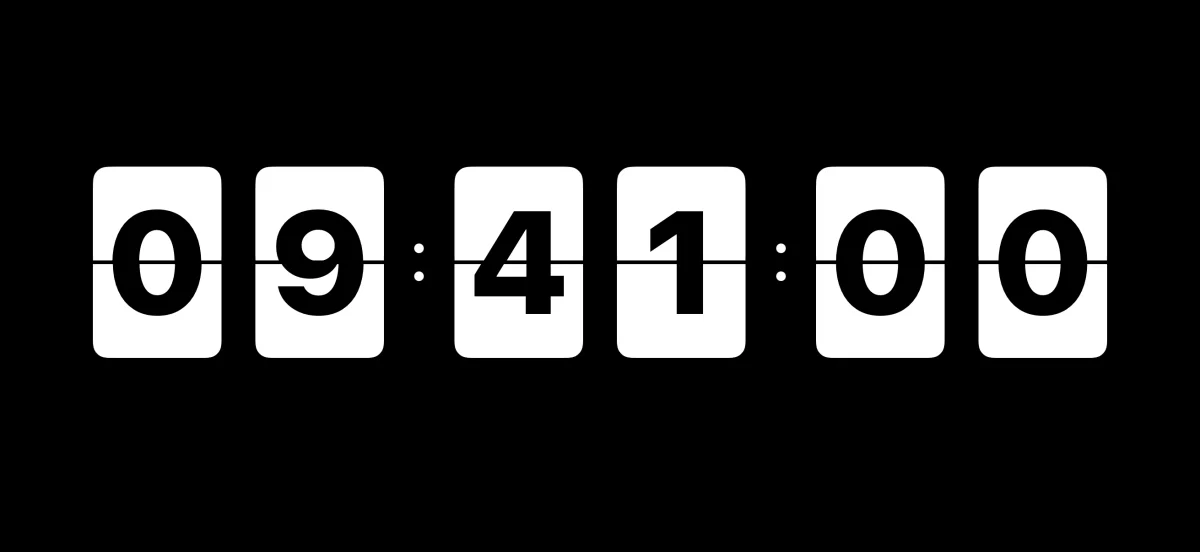
A quieter display
Keep the full dashboard close in portrait, or use the immersive landscape clock when you want the interface to fall away. Choose whether seconds are shown and pick the theme that fits your space.
Focus without friction
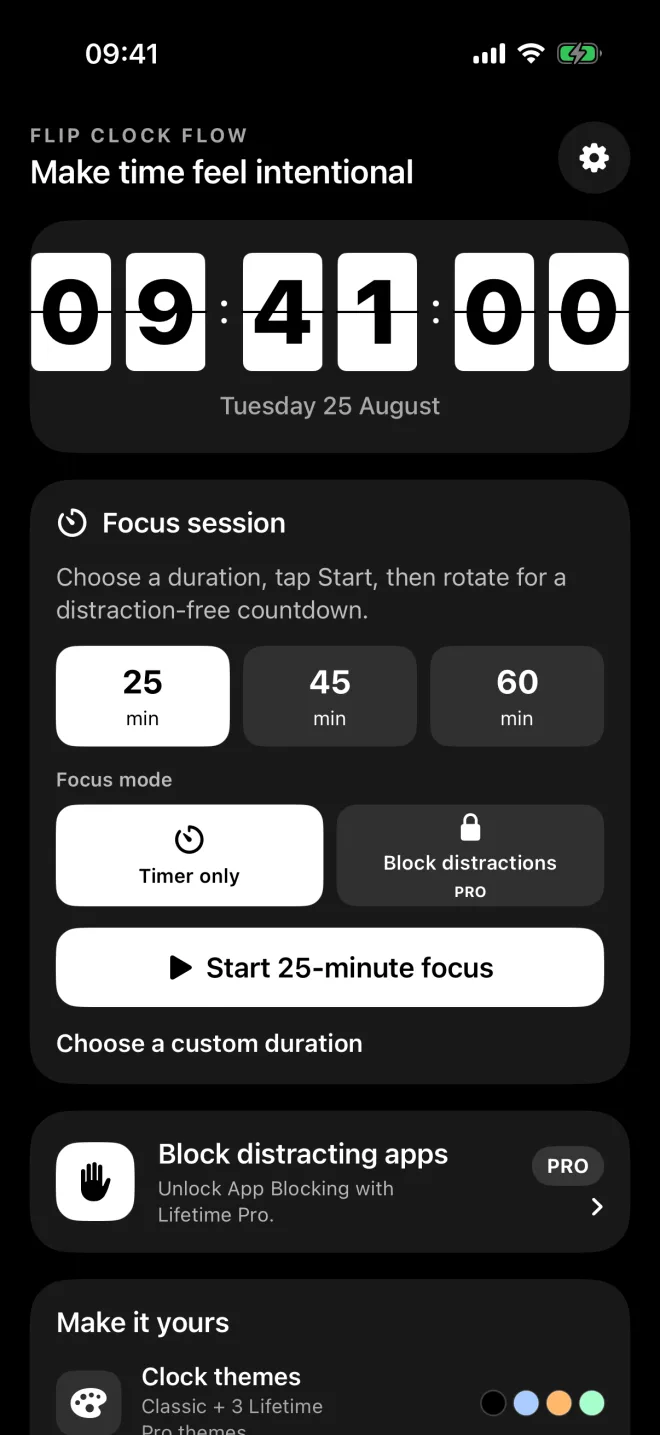
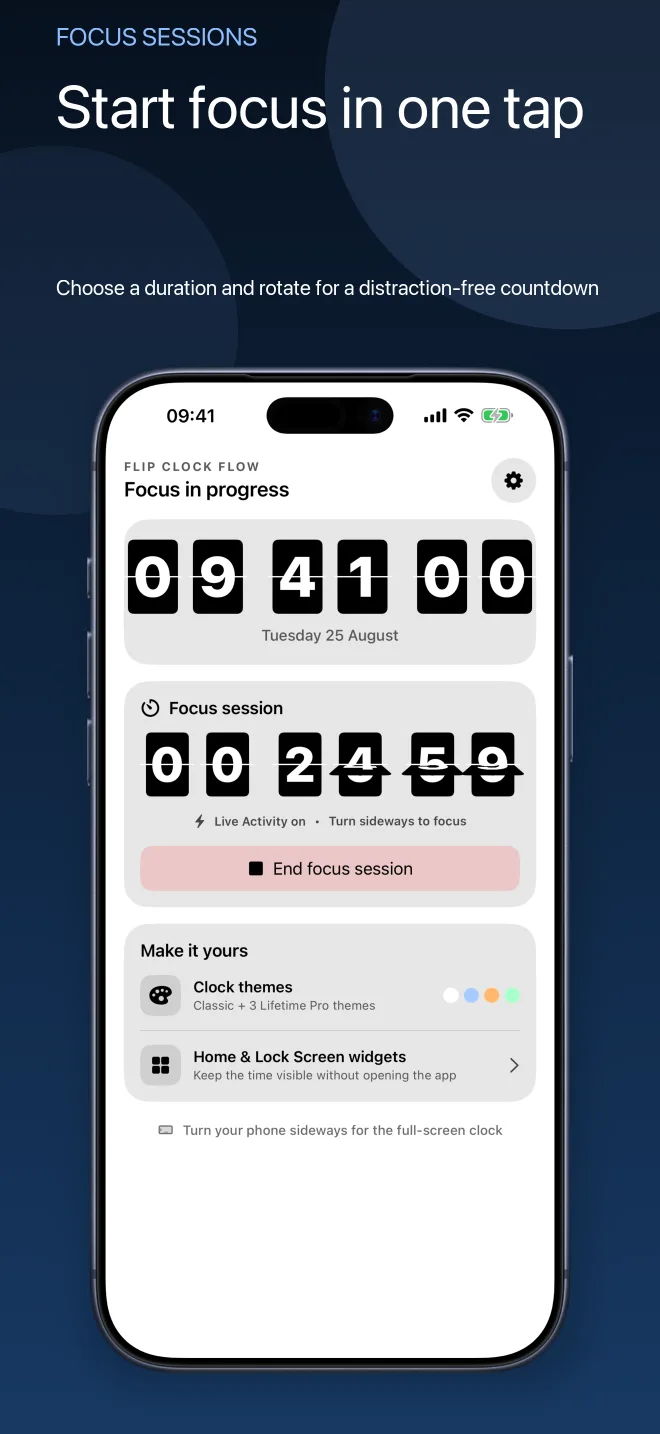
Choose 25, 45 or 60 minutes—or set your own duration. A Live Activity keeps the remaining time visible while you work, with an optional notification when the session ends.
Time at a glance
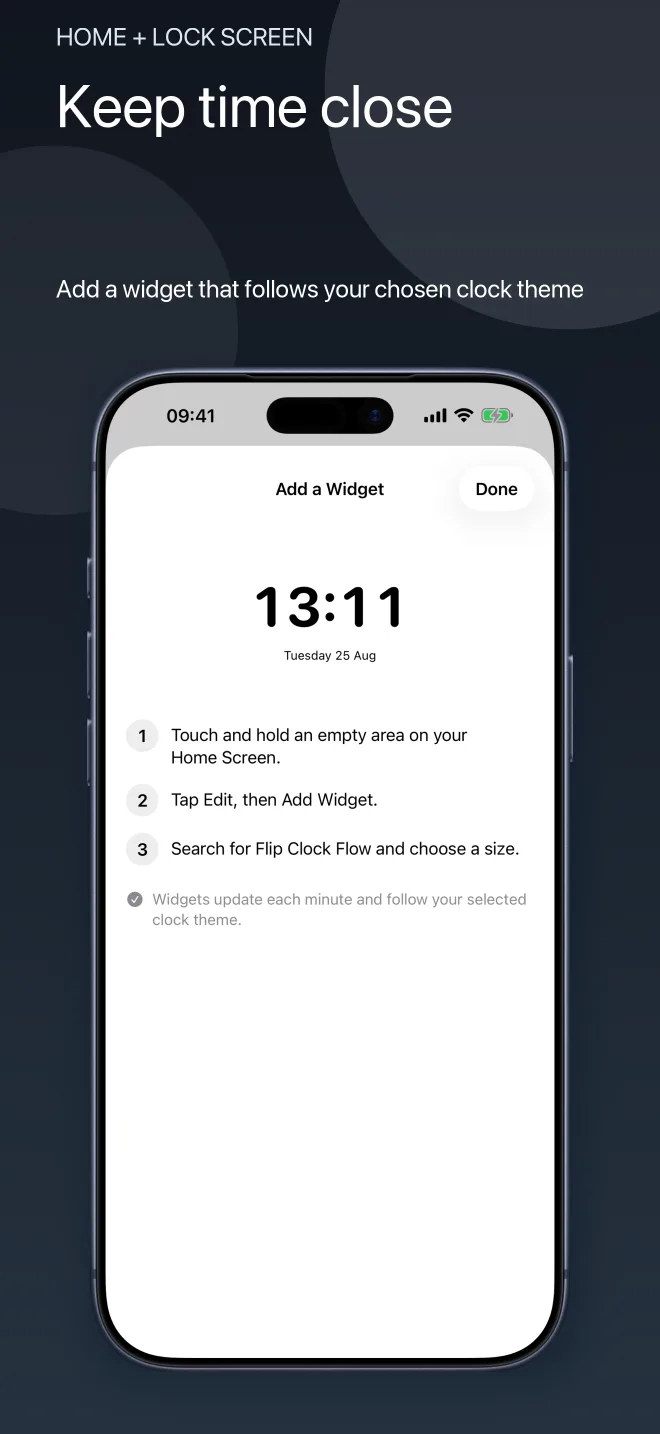
Add a clock widget to your Home Screen or Lock Screen. WidgetKit refreshes the display on its system-managed timeline and carries your selected theme beyond the app.
A stronger boundary with Pro
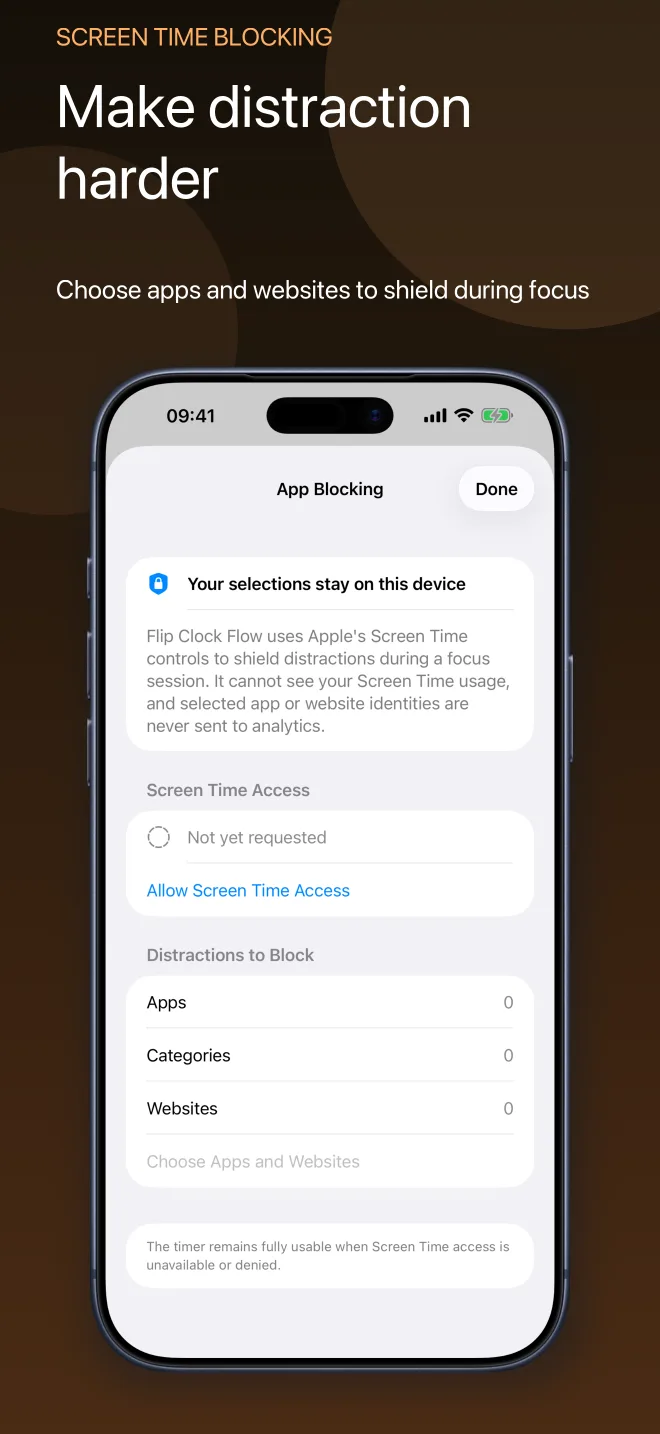
Lifetime Pro can shield selected apps, categories and websites while a focus session is running. You stay in control of what is blocked, and the restrictions end with the session.
Useful guides
Practical guides that work on their own, with Flip Clock Flow introduced where it genuinely helps.
Private by design
Flip Clock Flow needs no account. Focus history and Screen Time selections stay on your device, and app, category and website identities are never sent to analytics.
The practical details
It can. With Lifetime Pro and Apple Screen Time authorization, you can choose apps, categories and websites to shield while a focus session is running.
No. The core flip clock and focus timer are free. Lifetime Pro is a one-time purchase that unlocks distraction blocking, additional themes, presets and focus history.
Yes. Your selections are represented by Apple-provided private tokens, stay on your device and are not included in analytics.
The widgets use Apple WidgetKit timelines. iOS controls the exact refresh schedule, so the clock is designed for glanceable minute-level updates rather than continuous animation.
Give your attention a place to land