Easymode How it helps

Make room for what matters

Feel on top of life again.

Easymode turns the loose ends competing for your attention into a calm, manageable plan—so you can stop carrying everything in your head.

See how Easymode helps
Easymode Today showing one life-admin item ready for review and approval
Less mental clutterA calmer daily rhythmKeep important things in view

A calmer start

Know what deserves your attention.

Instead of carrying an invisible list all day, open Easymode and work through one useful next step at a time. It reviews supported Gmail messages and separates actionable admin from useful updates and low-value noise.
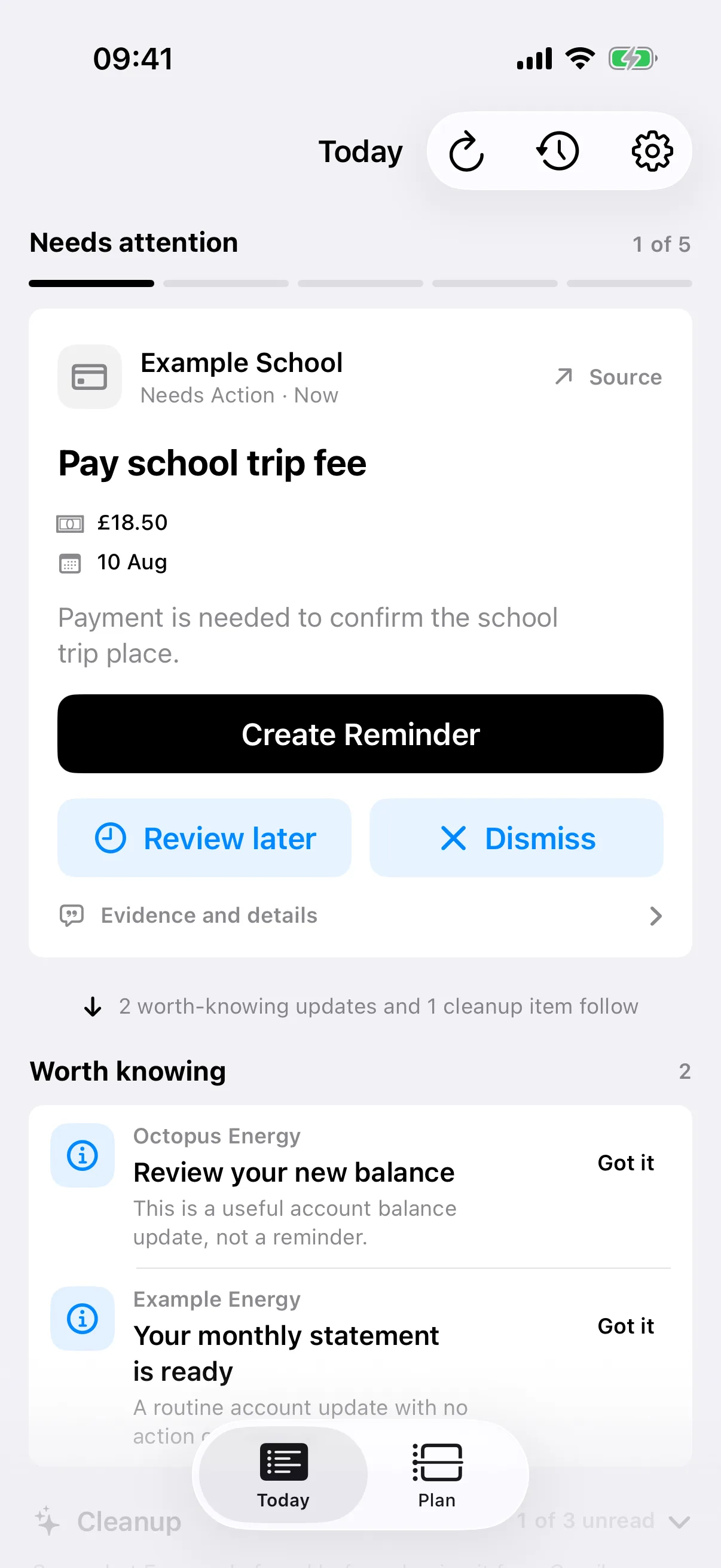
Easymode separating an actionable school payment from worth-knowing email updates

Confidence before action

Stay in control without doing all the work.

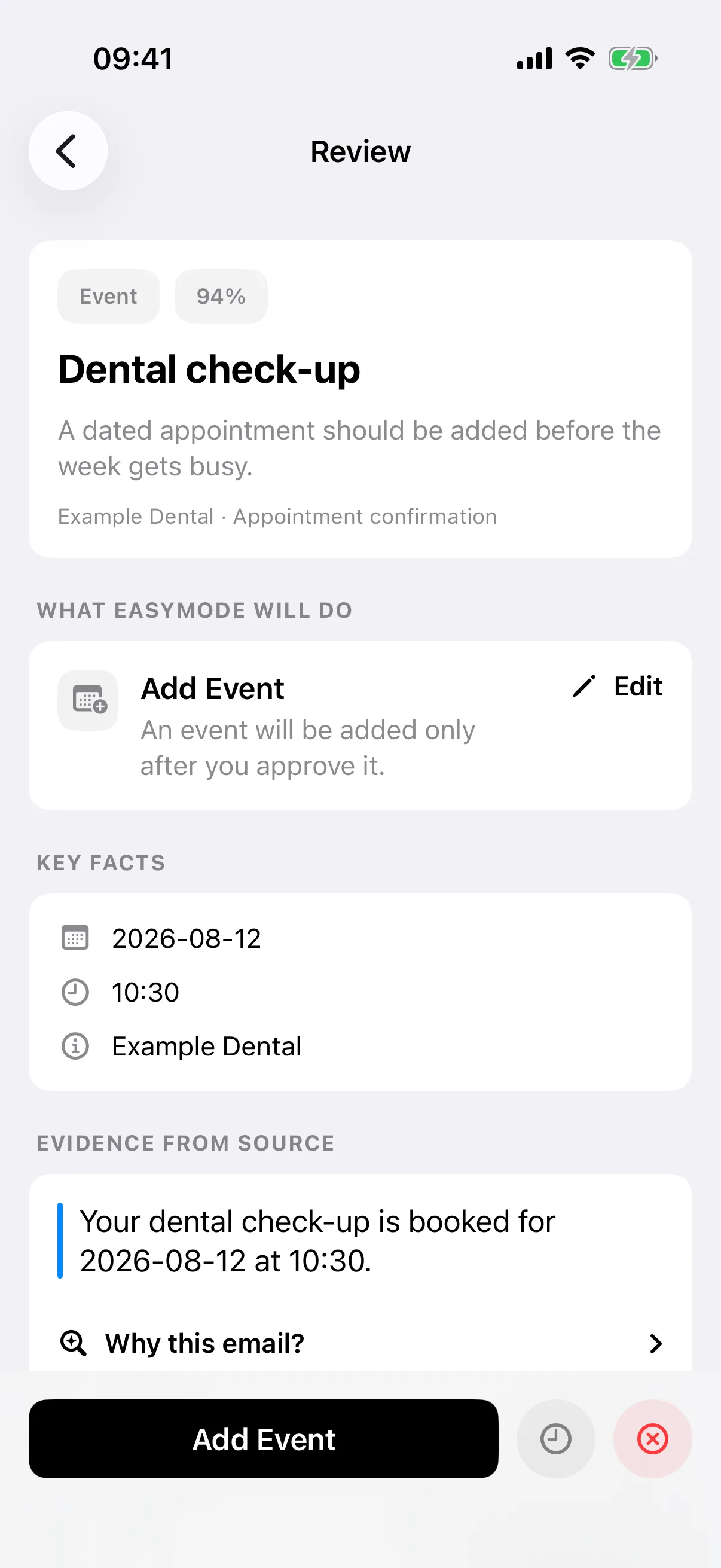
Open a suggestion to see the source evidence, extracted facts, proposed destination, and what Easymode plans to do. Edit, approve, review later, or dismiss it—the AI can be wrong, and the decision remains yours.

Easymode review detail showing source evidence, date, proposed calendar event, and approval controls

Momentum without the mess

Let the next step land where it belongs.

Approved outcomes live where they belong: events in Google Calendar, reminders in Apple Reminders, and editable replies as Gmail drafts. Easymode coordinates the next step and links you back to the destination app.

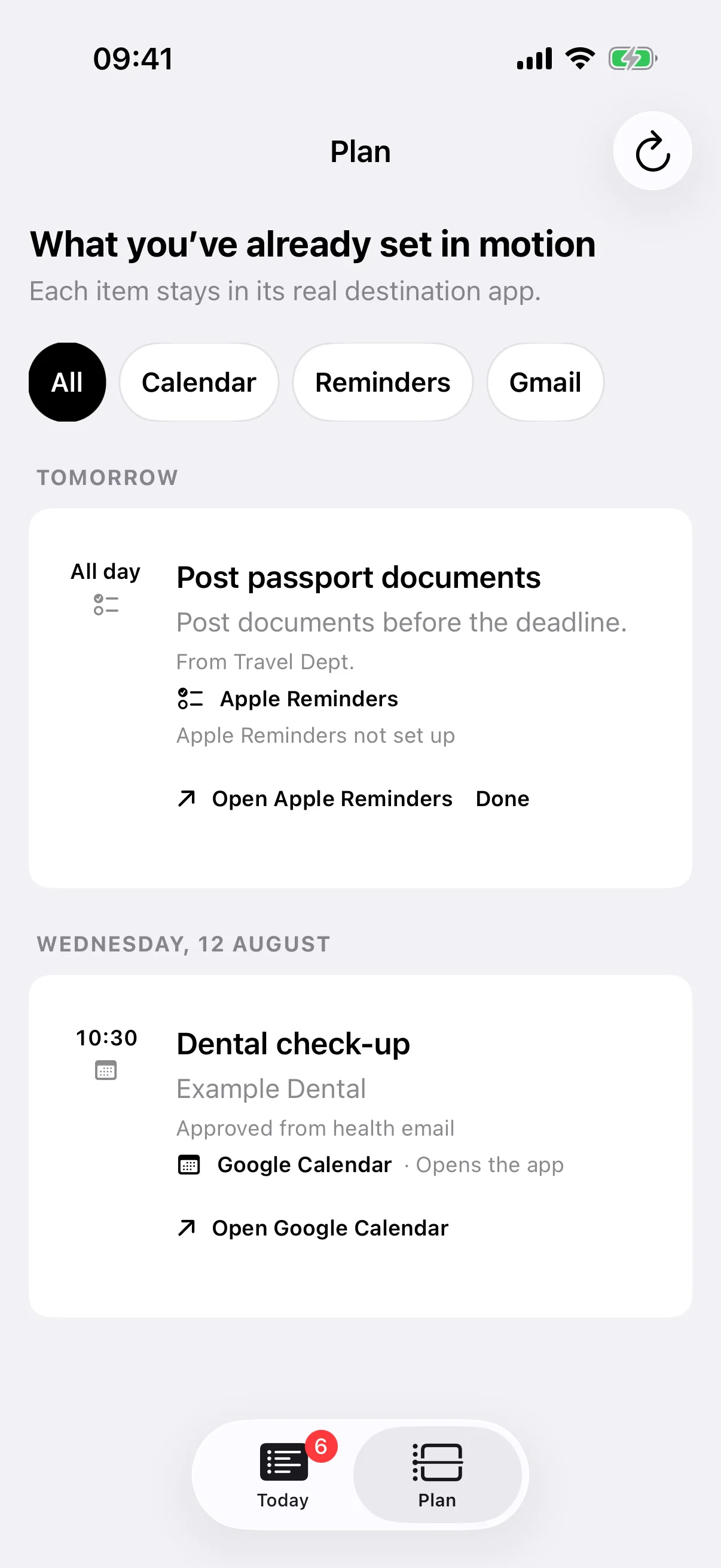
Easymode Plan showing approved work in Google Calendar and Apple Reminders

Your pace, your boundaries

Choose how much help feels right.

Start with a focused daily review, then decide whether you want more support. Google access and Auto-clear are separate choices you control, protected categories remain excluded, and cleared items stay inspectable.

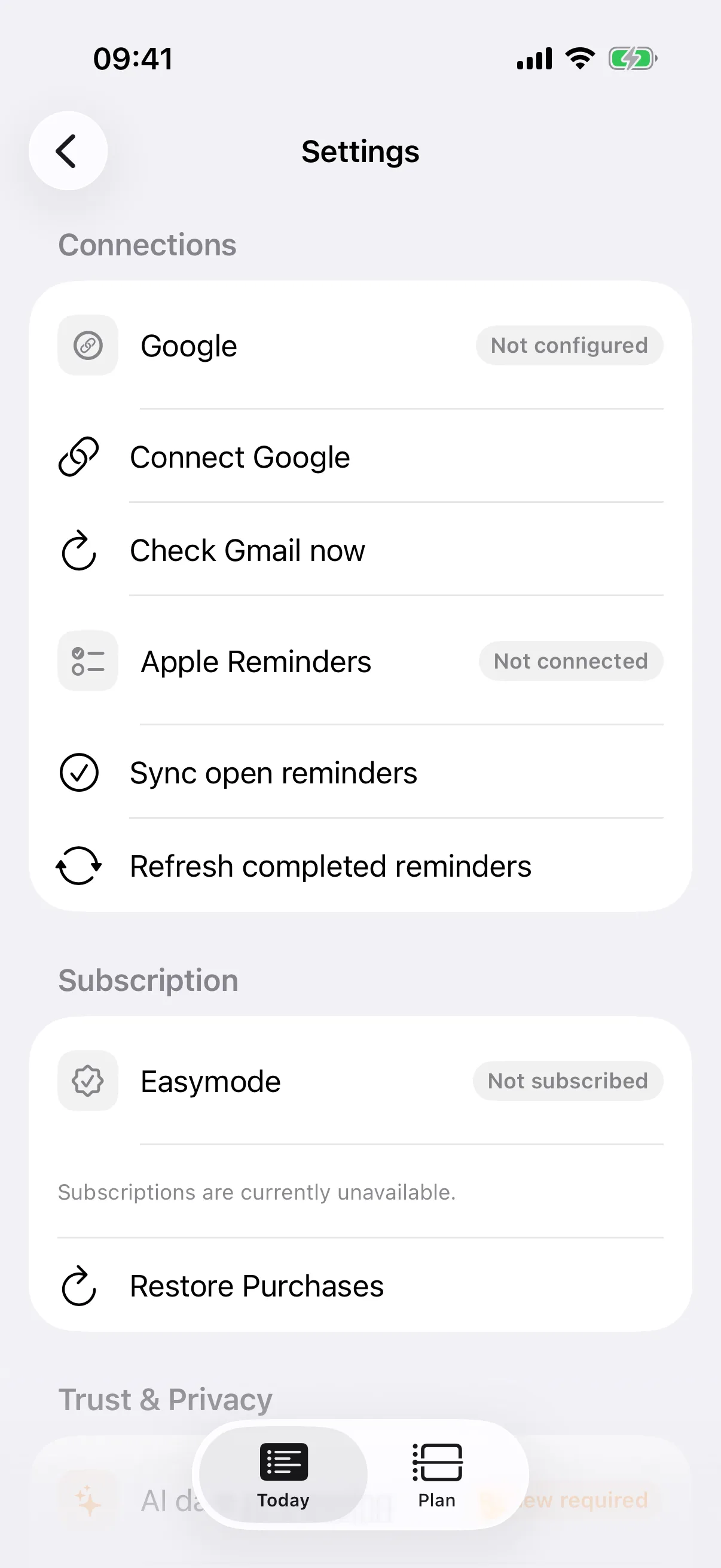
Easymode Settings showing separate Google connection controls and trust and privacy options

Designed around review

AI assists. You remain responsible.

Easymode processes connected Gmail content and relevant calendar context through its backend and an AI processing service provider to classify messages, extract next steps, and generate draft replies. Calendar events, reminders, Gmail drafts, and other external changes require your review and approval; optional Auto-clear requires its own opt-in.

The practical details

Questions, answered.

What Google data does Easymode use?

After separate Google authorization, Easymode can process supported Gmail sender, subject, body, identifiers, and relevant Google Calendar context to identify and prepare useful next steps. The Privacy Notice explains the data, processors, retention, and controls in detail.

Does Easymode send email or change my calendar automatically?

No. Gmail replies are created as editable drafts and are never sent automatically. Calendar events and reminders require your approval before Easymode attempts to create them in their destination app.

What is Auto-clear?

Auto-clear is an optional, separately enabled setting that can mark only high-confidence, low-risk automated messages as read. Security, money, account changes, deadlines, travel, documents, consequential subscription changes, and human correspondence remain protected by deterministic rules.

Easymode app icon

A little less to carry

Feel on top of life again.

Read the Privacy Notice